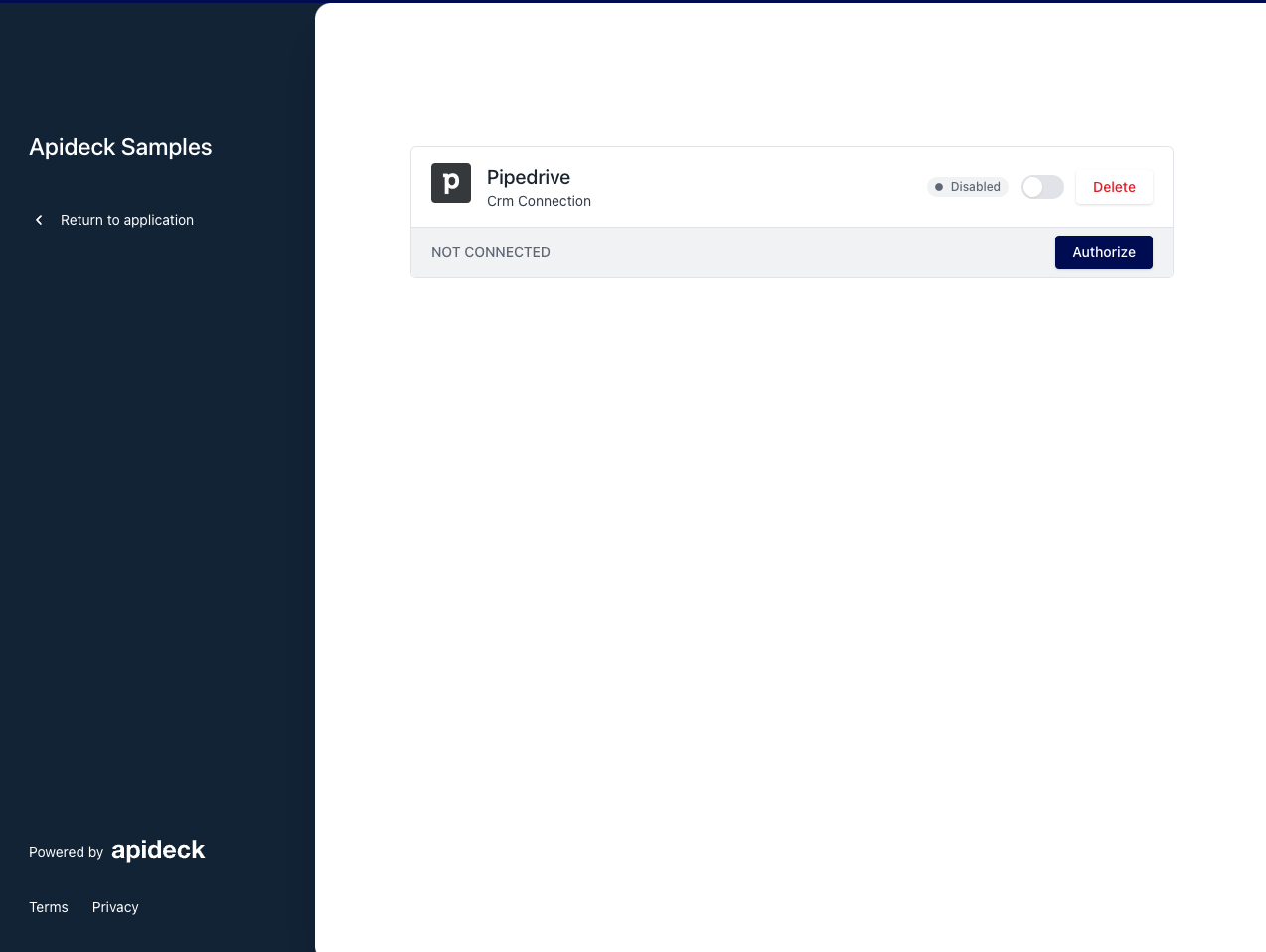
How to create a Vault session and mail it to a consumer?
You can create Vault sessions via our API, but you can also create a Vault session from within the Unify portal using "Vault Magic Link" and mail it to a consumer to make it easy for her/him to connect an integration.
A demo video for making a Vault link for connecting Quickbooks:
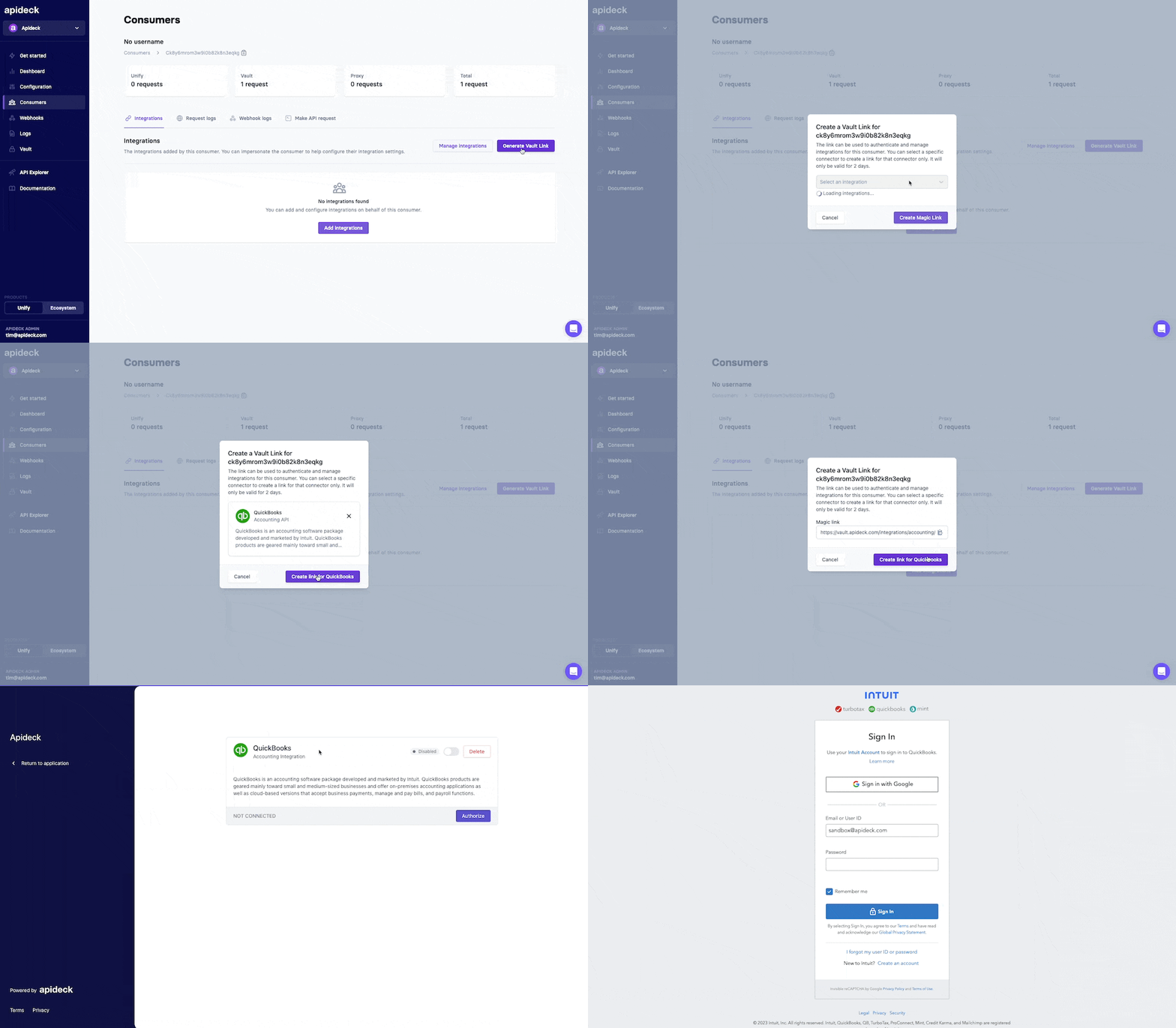
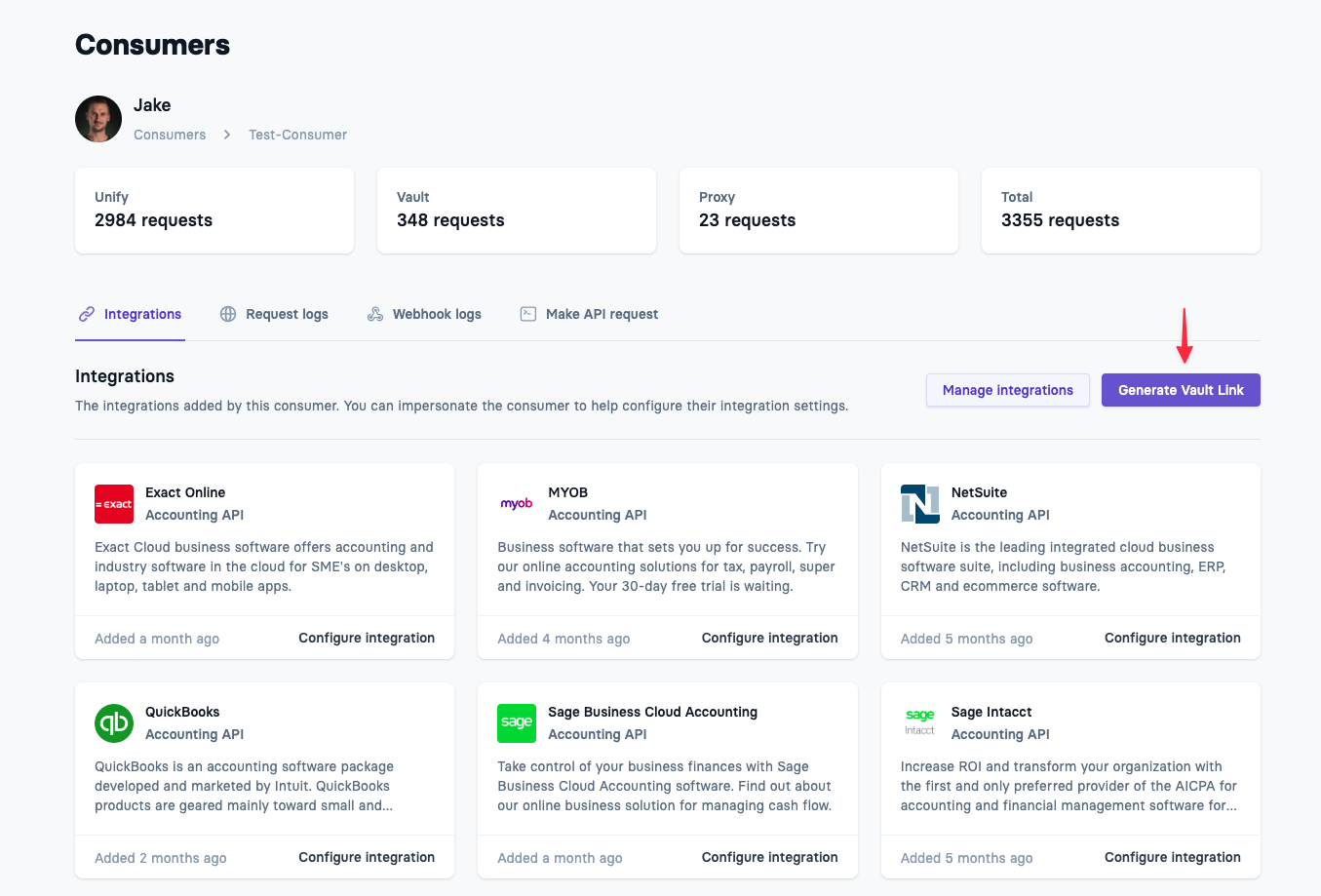
The "Vault link" creates a new session for a specific consumer and the chosen integration. You can pass along the Vault link to the end user, to authorize access to his integration.
Example: we navigate to the consumer "Jake" and select "Pipedrive" as integration.
https://platform.apideck.com/consumers
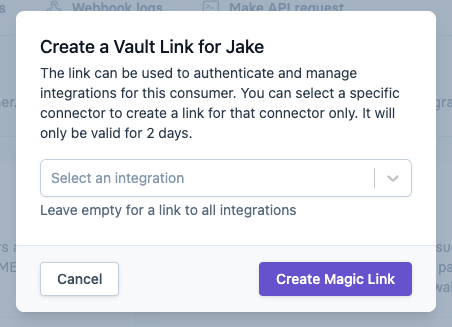
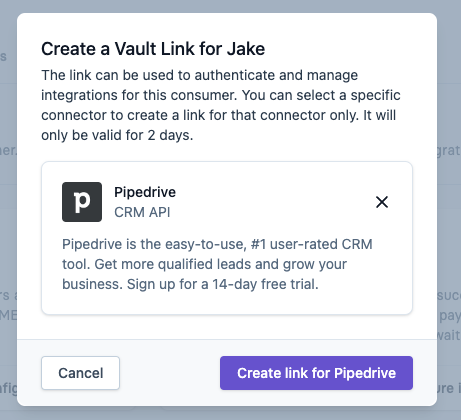
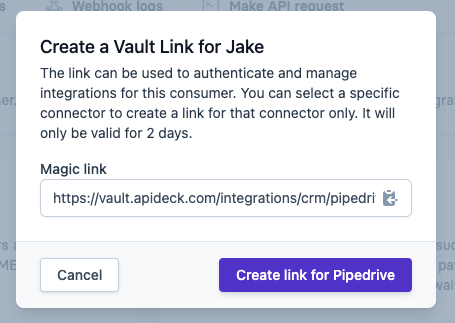
The link looks like this and is valid for 48h:
https://vault.apideck.com/integrations/crm/pipedrive?jwt=eyJhbGciOiJIUzI1NiIsInR5cCI6IkpXVCJ912345678AZERTYUIQSDF2&isolation=true
The link will lead to Hosted Vault, where the consumer can enter his credentials for Pipedrive and safely connect.