
How to publish a listing
Edited
It's easy to make your listings viewable by the public. Simply use the toggle in the top right corner of the listing detail view on your dashboard to mark it as published.
Published listings can be accessed by anyone with the appropriate link or by using the search on your ecosystem.
Once you mark a listing as published, search engines will be able to index the listing, meaning that it will be visible when people use them to search online.
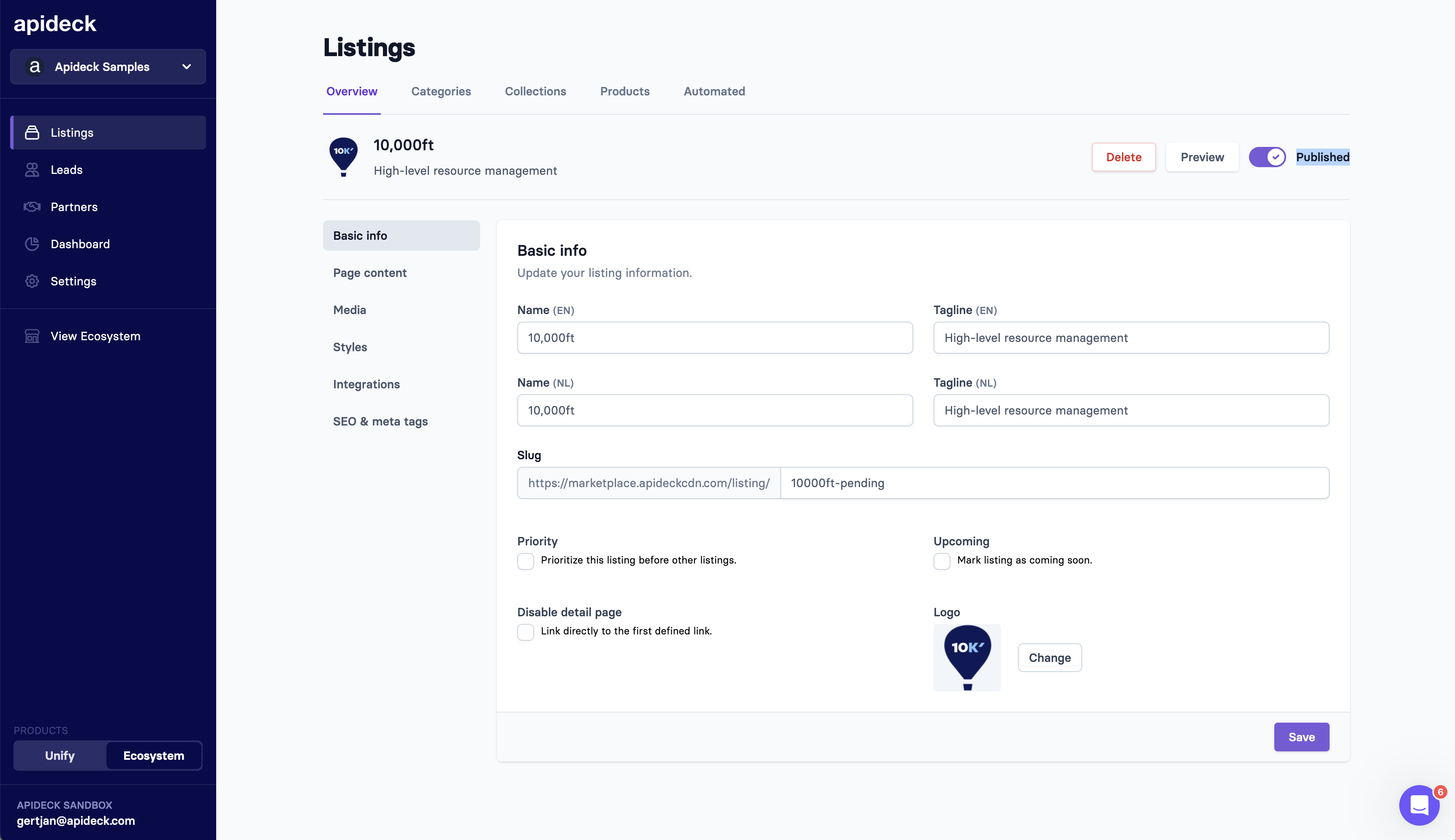
Unpublished listings are directly available via the URL to easily preview but won't get indexed by search engines.
Was this article helpful?
Sorry about that! Care to tell us more?