
How to Contact Apideck Support
There are several ways to reach our support team depending on your preference and the urgency of your request. This article covers all available support channels and how to get the most out of each one.
In this article
Support channels overview
Using the Customer Portal
Reaching out via Slack
Contacting us by email
Tips for faster resolution
Support channels overview
Channel | Best for | How to access |
|---|---|---|
Customer Portal | Tracking requests, viewing history, structured submissions | Requests link at the top of the help center |
Slack | Quick questions, real-time troubleshooting, ongoing conversations | Your dedicated Apideck Slack channel |
Detailed requests, sharing attachments or logs |
Using the Customer Portal
The Customer Portal is the best way to submit and track support requests. You can access it by clicking the Requests link at the top of any page in this help center.
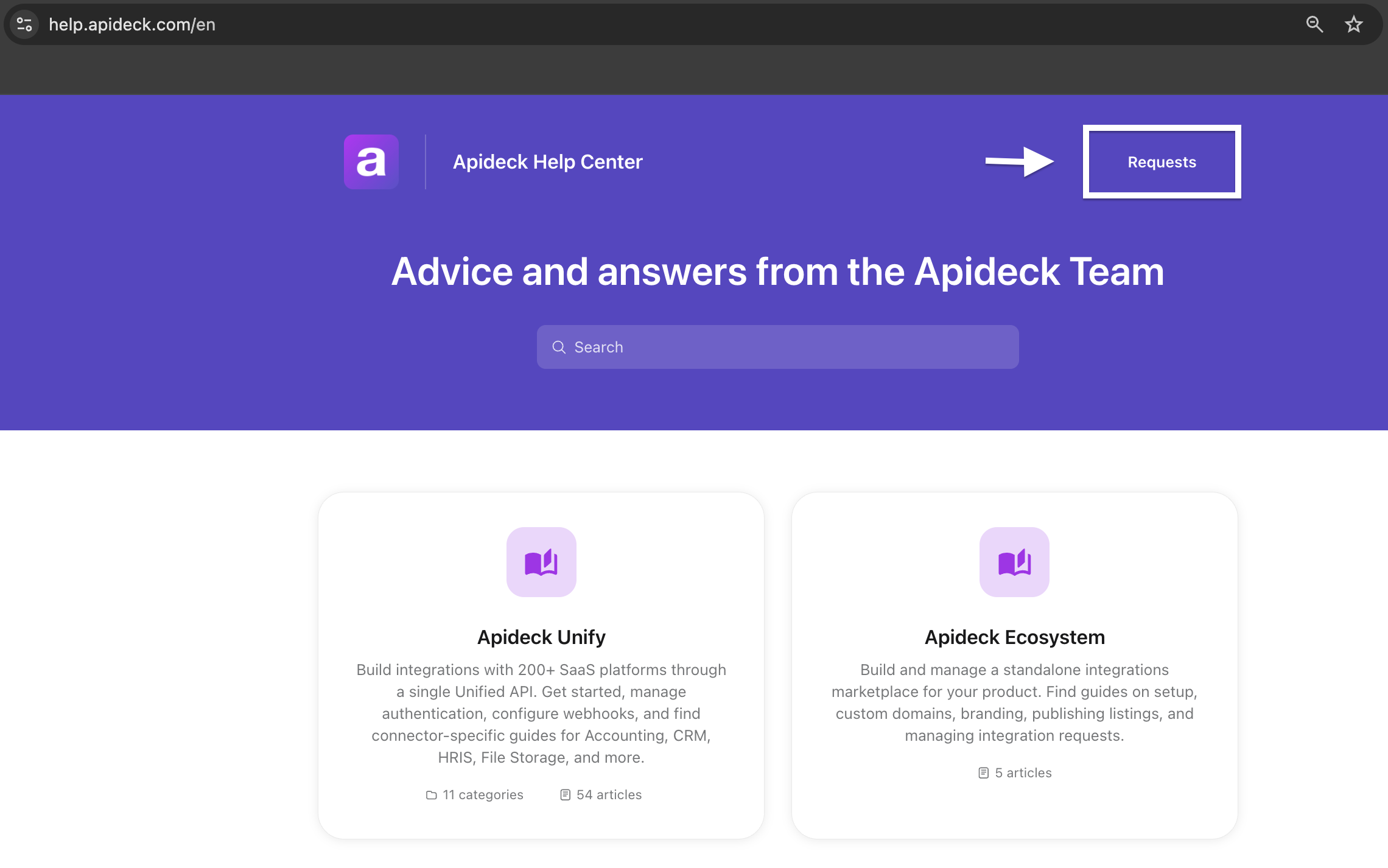
From the Customer Portal, you can:
Submit a new request - Describe your issue or question and our team will follow up.
Track open requests - See the status of requests you've previously submitted.
View your request history - Access past conversations and resolutions for reference.
Reply to existing requests - Continue a conversation without starting a new thread.
Share the open requests with other users - You can share an open request with other users directly from the customer portal.
Using the Customer Portal keeps everything organized in one place and makes it easier for our team to follow up, especially for complex issues that require investigation.
Reaching out via Slack
If you have access to a dedicated Apideck Slack channel, this is the fastest way to get help for quick questions or real-time troubleshooting. Slack is ideal when you need a back-and-forth conversation to diagnose an issue.
If you don’t currently have a Slack channel and would like one, please reach out to your account contact or our sales team to discuss available support options.
Contacting us by email
For any support request, you can email us directly at support@apideck.com. This is a good option when you want to include detailed context, attach screenshots or log files.
Tips for faster resolution
To help us resolve your issue as quickly as possible, include the following details when submitting a request:
Your App ID - Found on the API Keys page in your dashboard.
The consumer ID - The consumer the issue is affecting.
The connector and Unified API - For example, "QuickBooks via the Accounting API."
The request log - If available, copy the relevant log entry from your dashboard. See How to see the log of a request for how to find this.
The error message or unexpected behavior - What you expected to happen vs. what actually happened.
Steps to reproduce - If the issue is reproducible, a step-by-step description helps us investigate much faster.
The more context you include upfront, the fewer back-and-forth messages we'll need to get to a resolution.
Related resources: