
Ecosystem: embedding your marketplace in your own website
Instead of linking to your ecosystem, you can show it inside a page on your own website. Embedding is part of the Growth and Enterprise plans.
Get the embed code
In the Apideck dashboard, go to Ecosystem → Settings → Embed. You'll find a ready-to-use snippet and a live preview:
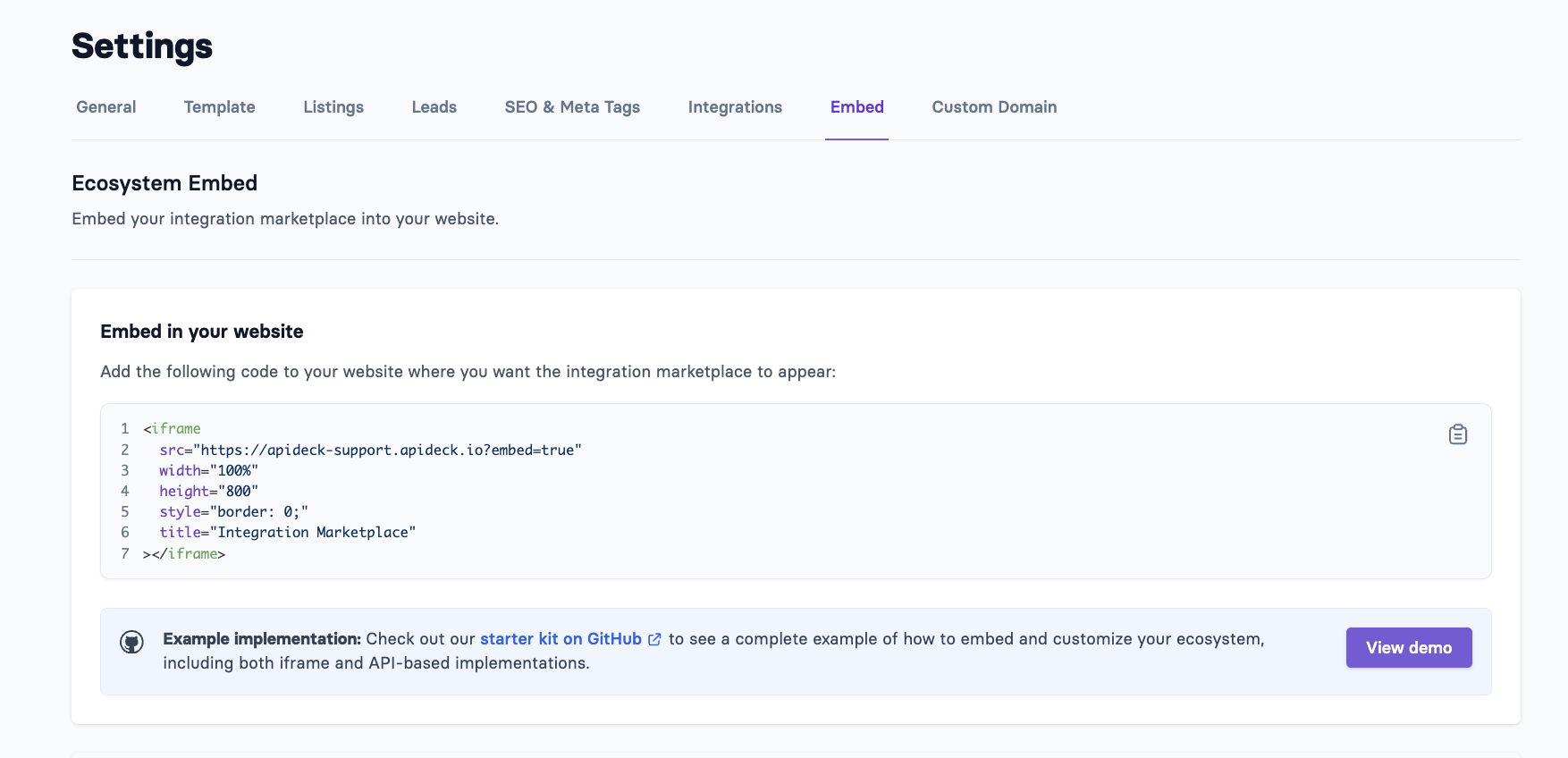
<iframe
  src="https://your-ecosystem-url?embed=true"
  width="100%"
  height="800"
  style="border: 0;"
  title="Integration Marketplace">
</iframe>
Paste it into the page on your website where the marketplace should appear. The snippet uses your ecosystem's address, including your custom domain if you have one.
What changes in embedded mode
Adding ?embed=true makes the ecosystem blend into your page:
The ecosystem's own navigation bar and footer are hidden, as is the sticky call-to-action banner. Your website provides these instead.
The background is transparent unless you've set a page background color in the Template settings.
Visitors stay in embedded mode as they click through categories and listings.
Your custom CSS still applies, so you can fine-tune the look further.
Things to know
Set the height yourself. The iframe doesn't resize automatically to its content. Choose a height that fits your page (the snippet uses 800 pixels), or add your own resizing script.
The partner portal isn't designed to be embedded. Link partners to your ecosystem's partner login page directly, rather than embedding it.
Want full control over the design? Build your own marketplace pages with the Ecosystem API, which returns your listings, categories and collections. The Embed settings page links to a starter project that shows both approaches.